Using Searches and Filters
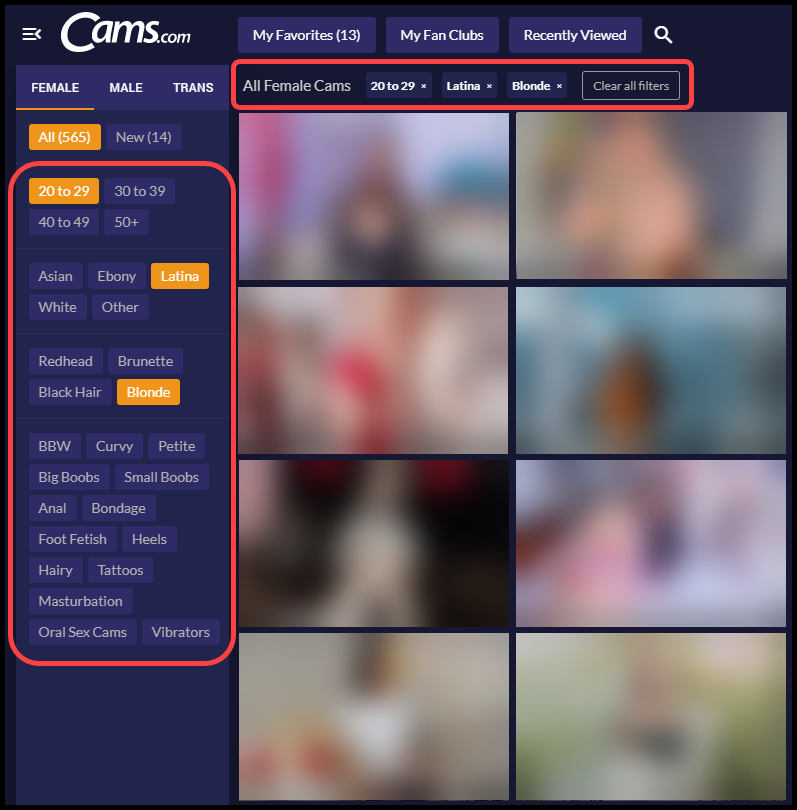
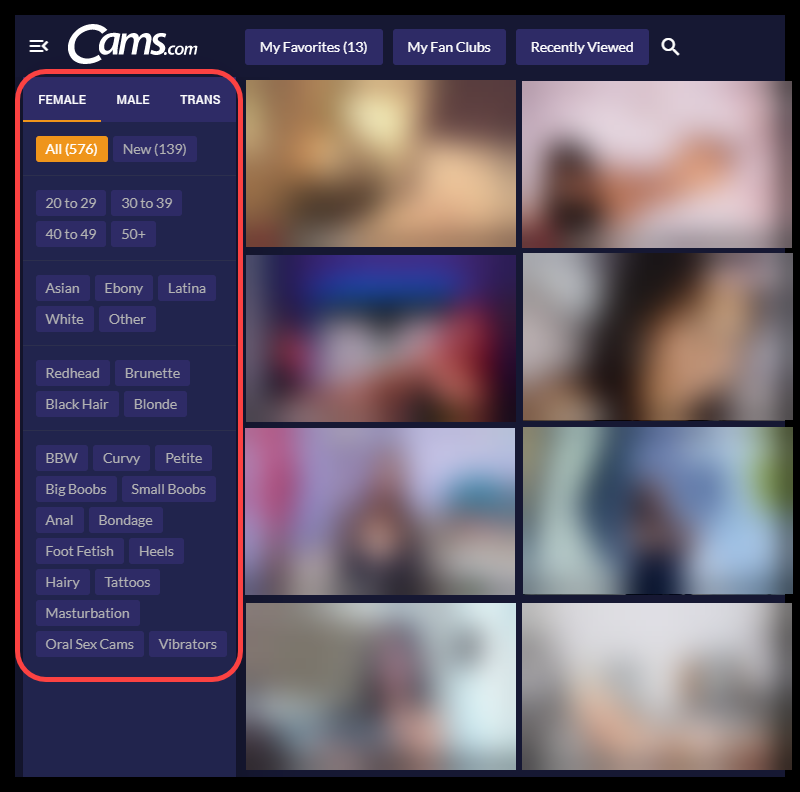
Using search filters will refine the model gallery to reveal only those models that fit into your search parameters. You can filter by gender, age, ethnicity and so on by clicking on the filters in the left side bar.
Search by Filter
- You can search for models using Filters by selecting your desired Gender, Age, Ethnicity, Body type, Hair color, and Fetish.
- Each selection will be added to the filter and be displayed at the top of the model gallery.
- You can change the search results by clicking the “x” next to each filter to remove the selection
- Click “Clear all Filters” to start a new filter search.