Viewing Mode
You can expand your viewing of the model chat room to full screen by using Theater Mode.
- Chat with a webcam model by clicking on their thumbnail image on the main page.
- Click the screen icon in the lower left of the chat window to go full screen.
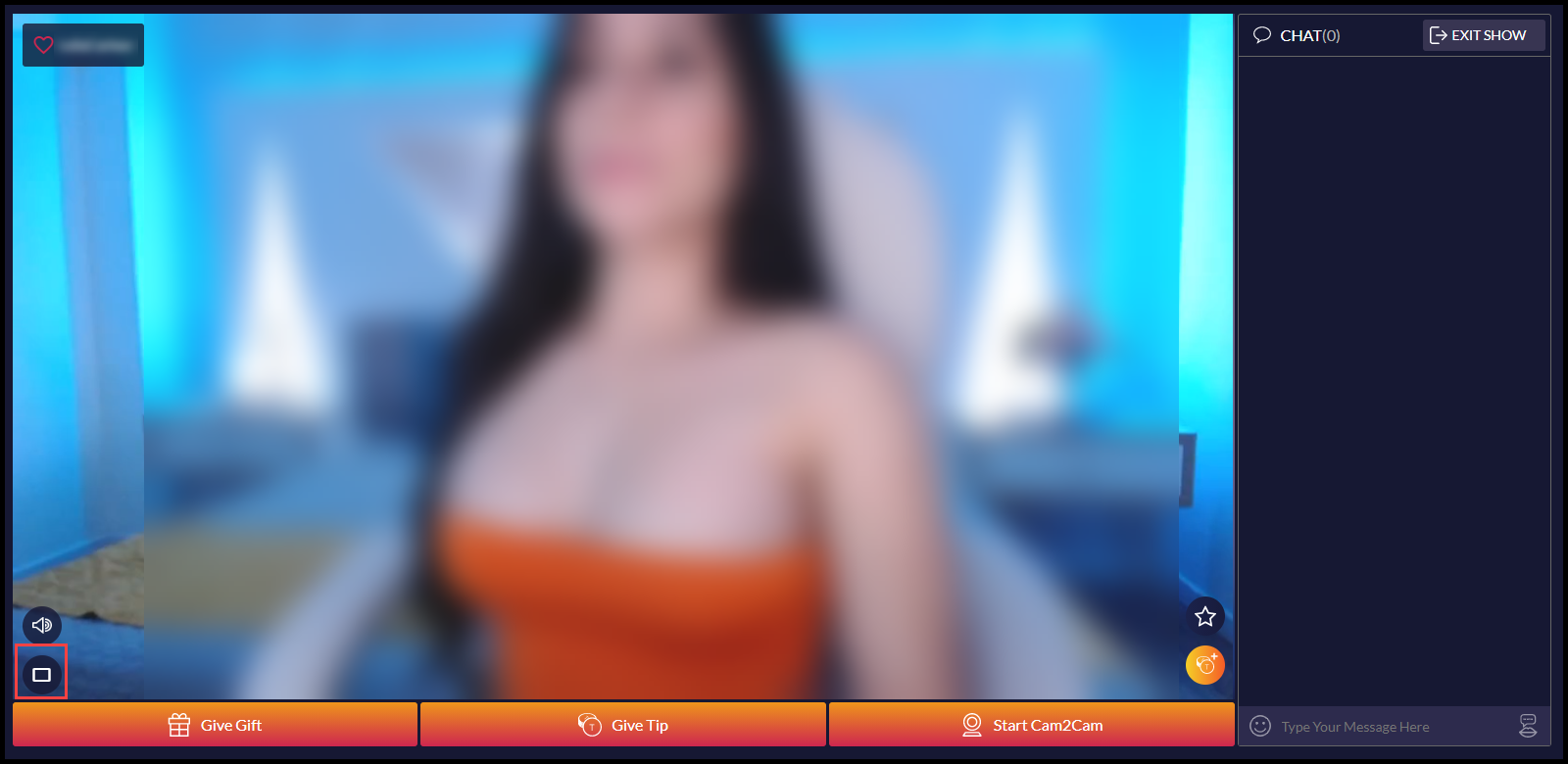
- To exit Theater Mode simply click the screen icon again or press ESC on your keyboard to return to normal view.